 0
0
 0
0
Maximize Your MacBook Pro’s Battery Life: Tips for Lasting Efficiency
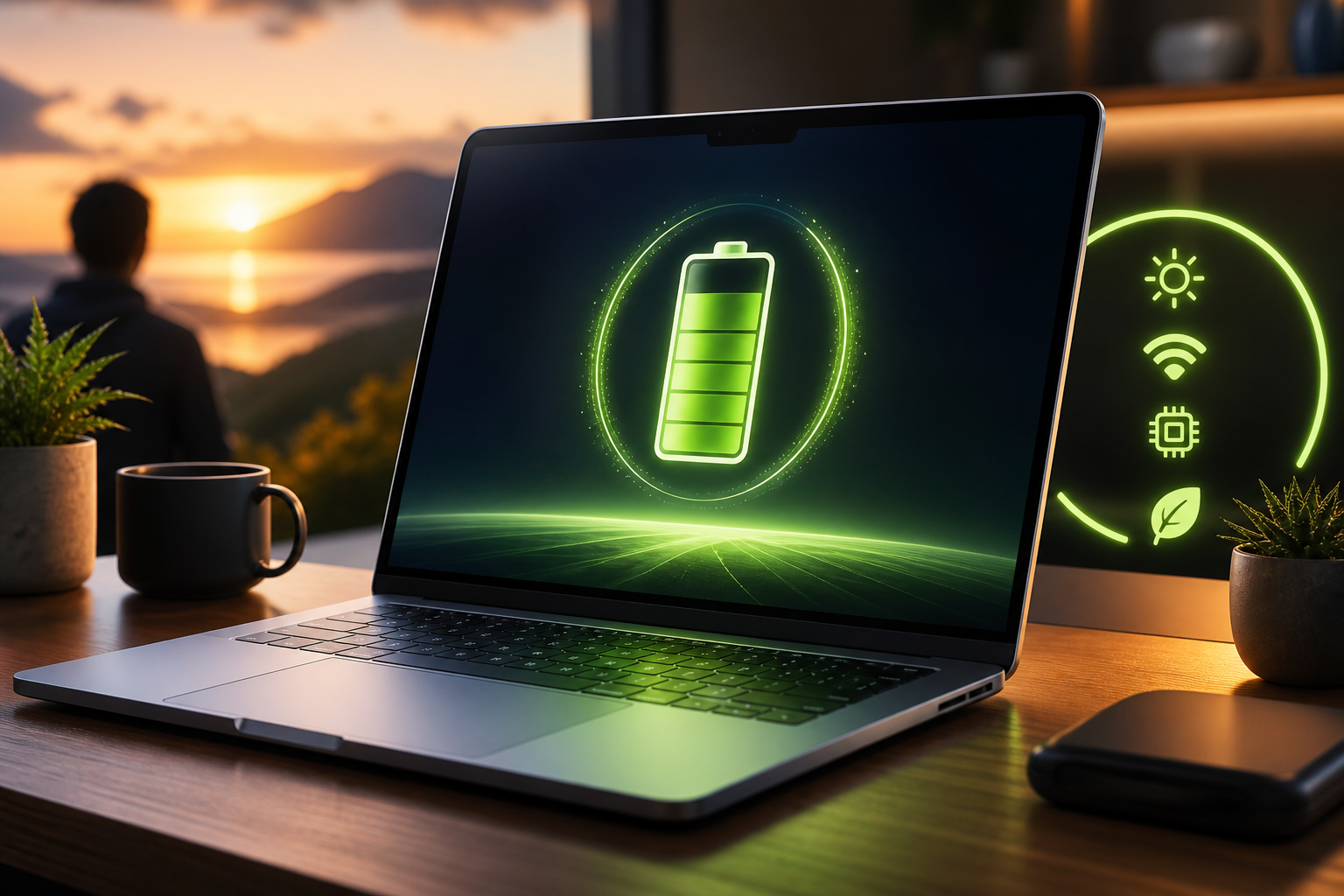
In a world where technology fuels our daily lives, maintaining device performance is crucial. Apple’s MacBook Pro, especially models equipped with M-series chips, stands out as one of the best laptops available, boasting impressive battery life that can extend up to 24 hours of video streaming. However, even the best tools benefit from user insights and tips to optimize their functionality.
Key Strategies to Elevate Battery Lifespan
While the inherent features of the MacBook Pro are impressive, users can still enhance battery longevity significantly. For instance, keeping an eye on resource-heavy applications—especially prevalent in browsers like Google Chrome—can mitigate unnecessary drainage. Instead, switching to Safari or even Microsoft Edge can yield substantial improvements in efficiency while promoting a more sustainable approach to device management.
Keeping your Mac updated is another vital practice. Apple frequently releases updates that improve software efficiency and security, ensuring your device runs optimally. Alongside this, enabling the Low Power Mode can be a game-changer, especially during critical moments where battery life is of utmost importance.
The Power of Simple Adjustments
Small changes can lead to significant benefits. Utilizing your MacBook on stable, flat surfaces allows for optimal airflow and prevents overheating, a principle mirroring the importance of foundational stability in our lives. Similarly, reducing screen brightness and simply adjusting your refresh rate to 60Hz can curb battery consumption dramatically.
These minor adjustments not only improve tech efficiency but can also serve as reminders of the Christian call to stewardship—taking care of our resources reflects a mindful approach to the gifts we have been given. As we see in Matthew 25:21, “Well done, good and faithful servant; you have been faithful with a few things; I will put you in charge of many things."
Encouraging Reflection and A Broader Lesson
As we adopt these practices, it’s worth reflecting on the biblical principle of stewardship—making the most of what we have not just in technology, but in life itself. Each step to improve your MacBook’s battery life can draw parallels to nurturing our own faith and resources.
In conclusion, as you implement these tips for a more efficient MacBook experience, consider the broader implications of mindfulness and stewardship in all aspects of life. Just as we care for our devices, let us also reflect and nurture our relationships, our environment, and our spiritual journeys.
Takeaway
Embrace efficiency not just within your technology but in all corners of your life. A mindful approach can lead to lasting rewards, spiritually and materially. Reflect on how you can apply the practice of stewardship today—what small changes can you make that will lead to greater abundance in your life?
If you want to want to know more about this topic, check out BGodInspired.com or check out specific products/content we’ve created to answer the question at BGodInspired Solutions
If positive Biblical wisdom matters to you, I’d love your support of the mission
Q&A about
How can I adjust my MacBook Pro settings to save battery life?
To extend your MacBook Pro’s battery life, you can reduce screen brightness, close unused applications, and enable battery saver mode. This mirrors the idea of living wisely and using resources carefully, as taught in Proverbs 21:20, which encourages us to save and utilize our possessions wisely.
Are there specific apps I should avoid to keep my MacBook Pro running longer?
Yes, resource-intensive applications like graphic editors or video games can drain your battery quickly. In Matthew 25:14-30, the parable of the talents reminds us to be good stewards of what we’ve been entrusted with, including our devices. Choosing lighter applications can help you manage your resources effectively.
How can I effectively manage my MacBook’s battery health?
Regularly updating your macOS and avoiding extreme temperatures can help maintain your MacBook’s battery health. Just as we are called to care for our bodies as temples of the Holy Spirit (1 Corinthians 6:19), treating our devices with care reflects our understanding of stewardship.
Why is it important to unplug my MacBook after a full charge?
Leaving your MacBook plugged in after it’s fully charged can harm the battery over time. This idea resonates with the biblical principle of finding balance, as illustrated in Philippians 4:5, which encourages moderation in all things. Unplugging your Mac provides a practical way to nurture your device, just as we nurture our relationships through intentional actions.